01 / create
images from scratch.
Build a prompt around your subject, setting and visual direction. Give the image a clear look and purpose before you generate.

The AI Unchained toolkit
Two creative assistants built around my own workflow. Develop the visual idea, make deliberate creative choices and leave with a prompt ready for your supported AI tool.
Public Plugin Directory releases are being prepared. The links below open the existing plugin pages; access may currently be restricted.
Light. Material. Character.
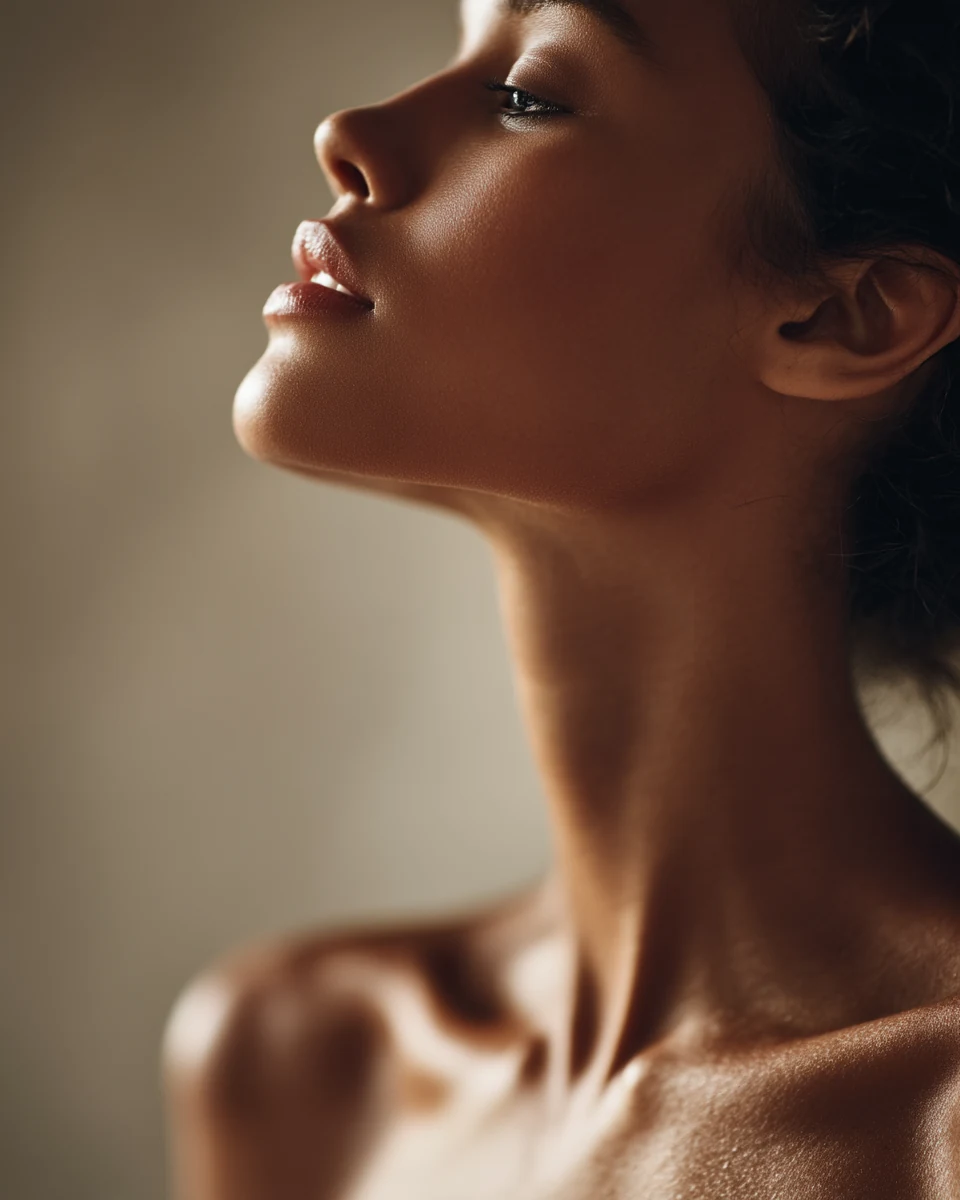
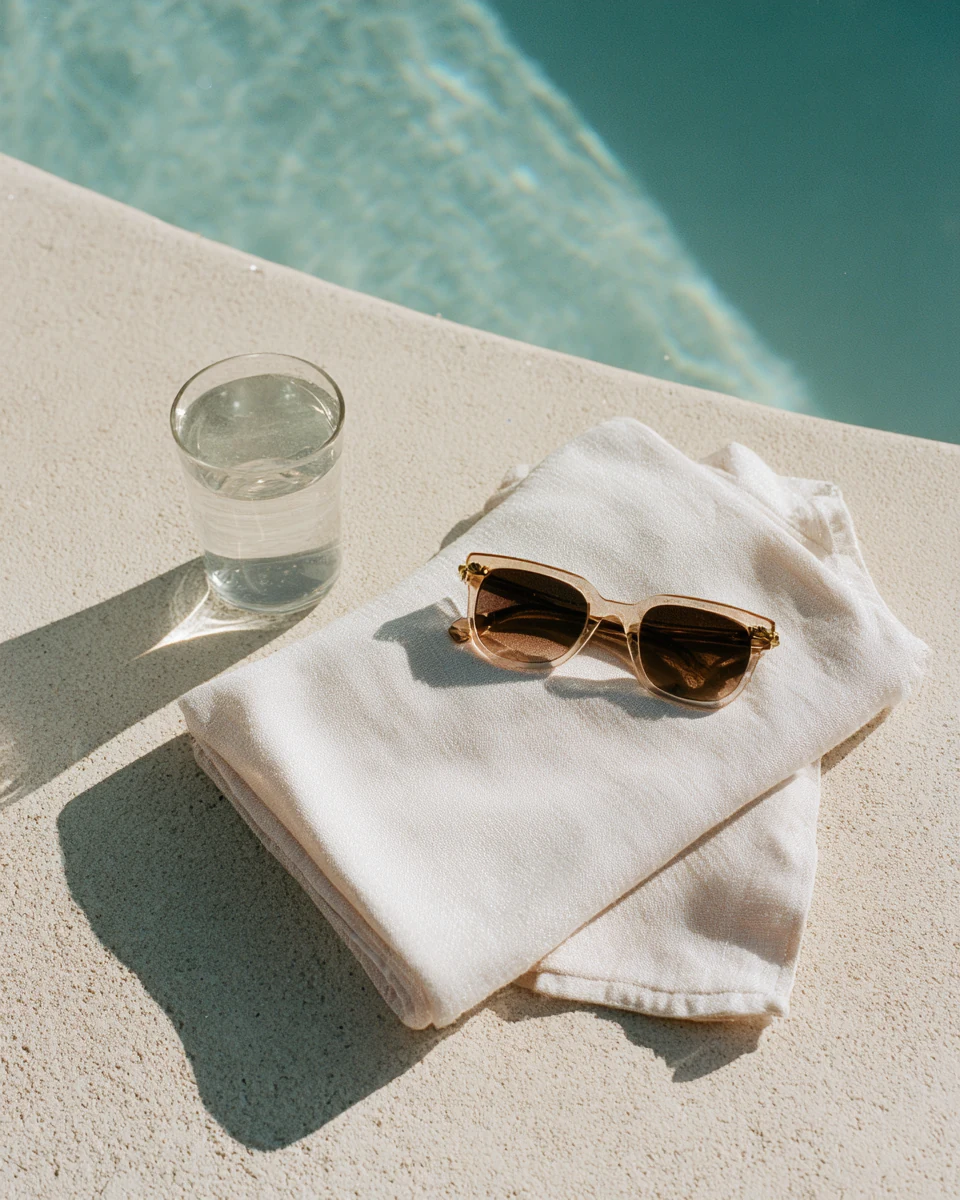
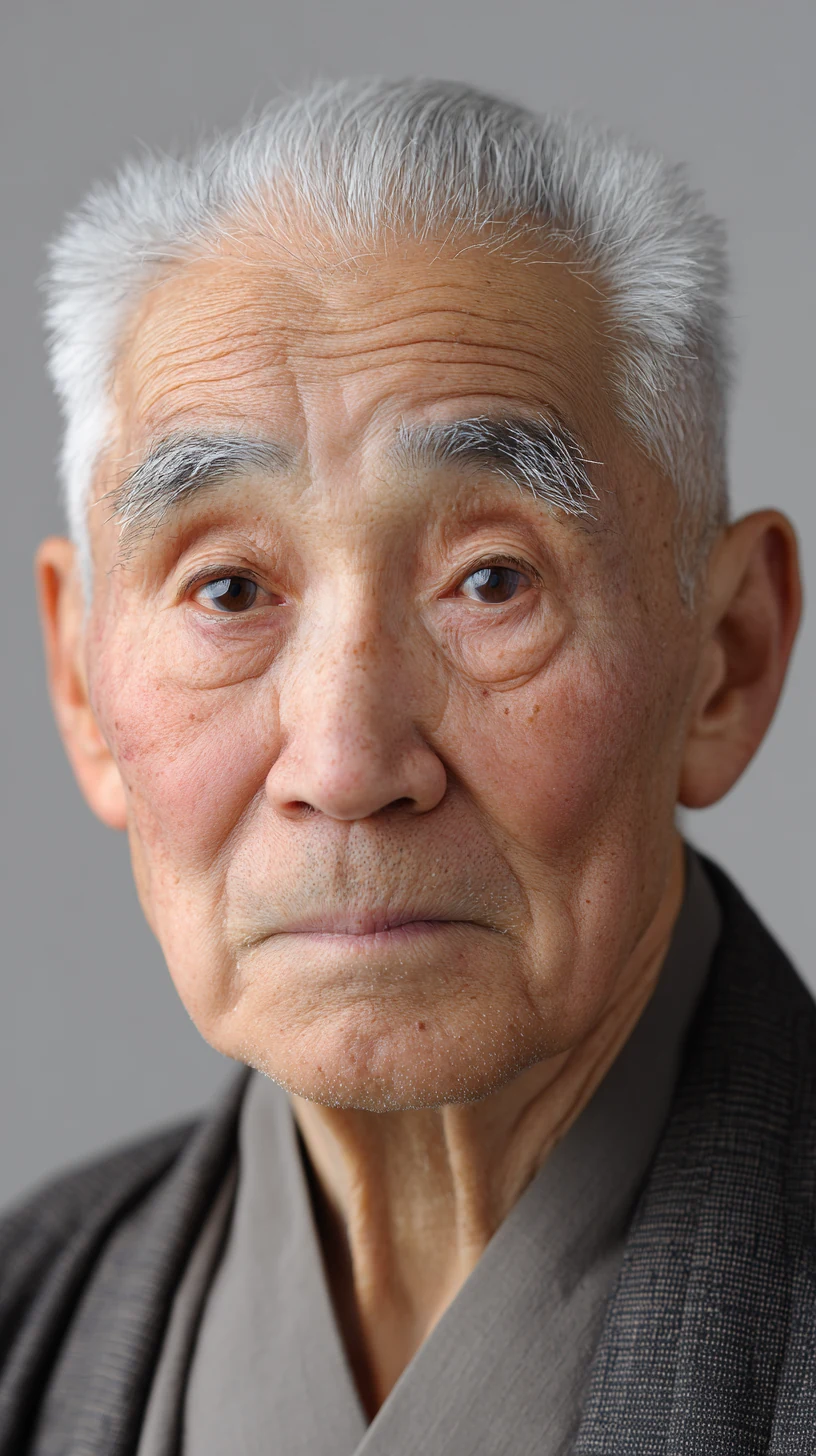
Selected AI imagery by Luis Rau / examples of visual direction
01 / image direction
From your first idea to a consistent visual story.
Start with a rough concept, a reference or an image you want to change. Prompt Maestro guides you through the creative decisions and turns them into a structured prompt for your supported image tool.
Develop the lighting, composition, texture and visual style with guided questions and curated, tool-specific prompting guidance.
Open Prompt Maestro ↗01 / create
Build a prompt around your subject, setting and visual direction. Give the image a clear look and purpose before you generate.
02 / define
Write prompts that describe a character across multiple views, creating a reference for a more consistent visual identity.
03 / sequence
Plan connected shots with prompts that carry your characters, atmosphere and visual direction through the sequence.
04 / refine
Specify what to change and what to preserve, so your edit prompt keeps the parts of the image that already work.
Prompt Maestro creates prompts. Generate or edit the images in your chosen AI tool; results and character consistency depend on that tool and your references.
02 / video direction
Think like a director. Prompt for your video tool.
Give your scene a clear sense of action, movement and atmosphere. Cine Maestro helps you describe what happens, how the camera sees it and how the moment should feel.
Guided creative questions and tool-specific workflows turn that direction into a prompt for your supported video model.
Take the finished prompt into your video-generation tool to bring the scene to life.
Public installation link coming soon.
Bring your prompts and results into AI Unchained. Learn the decisions behind stronger images and films, then get specific feedback on your next version.
Explore AI Unchained ↗